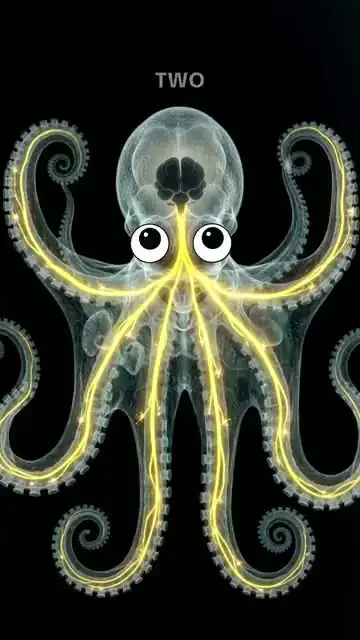
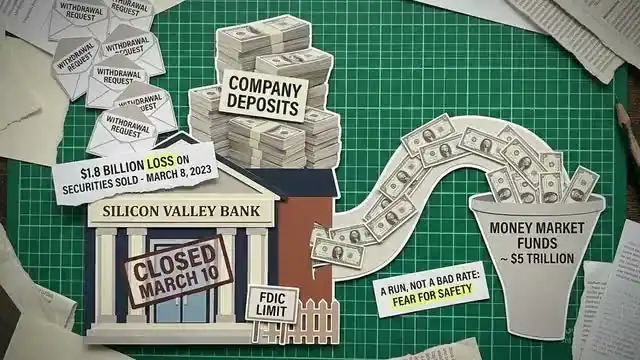
Every clip here was made in ChannelRecipe Studio
Whole faceless videos, in any style you want
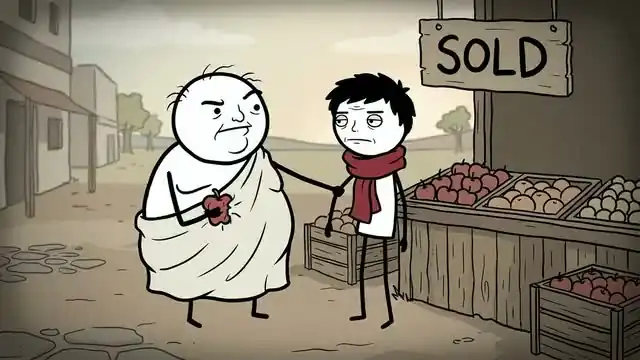
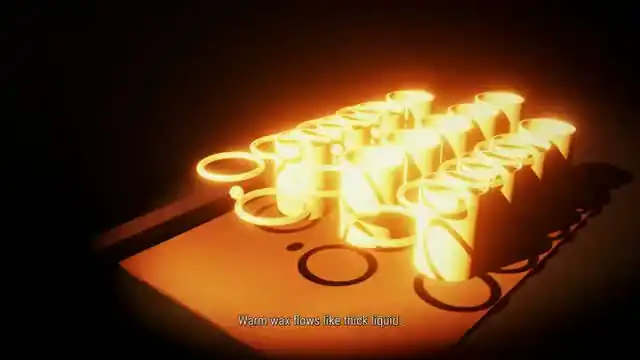
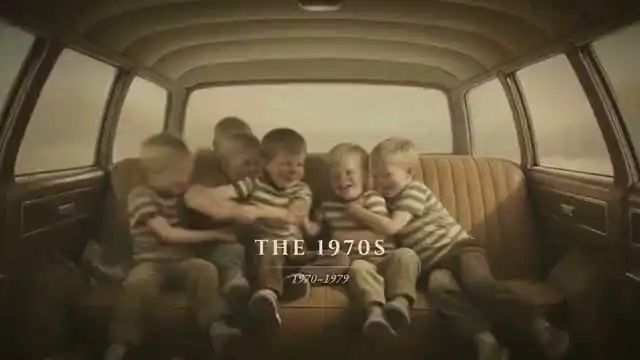
Long videos and Shorts in 3D, stick figures, paintings, manga, documentary, or a style learned from any channel you admire. Type a title. Studio writes, voices, animates and edits the whole thing on your computer.
Mac & Windows · long videos and Shorts · cancel anytimeThe moodboard
One Studio. Every look.
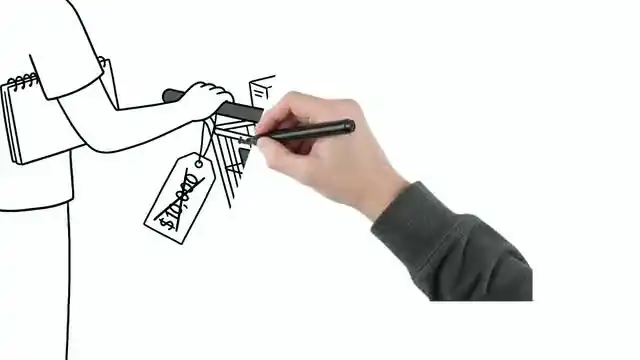
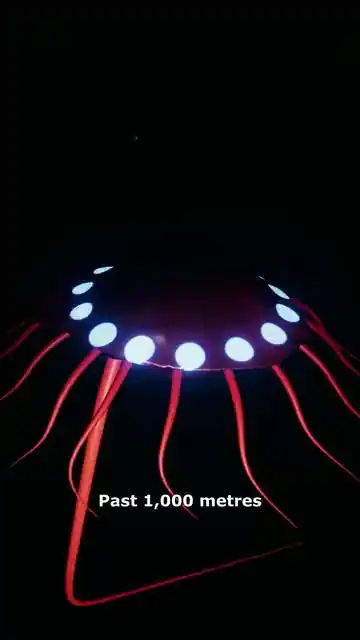
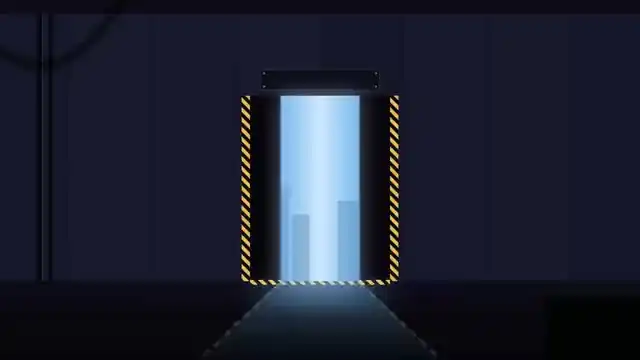
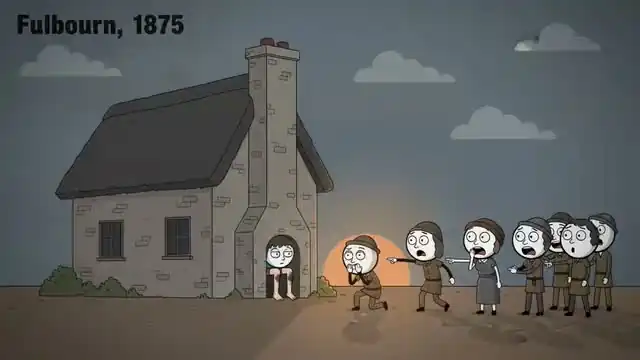
Each clip comes from a video Studio made start to finish. No animator, no editor, no stock-footage slideshow. Pick a ready-made recipe, or show Studio a channel you admire and it learns the look.
Plus 30+ more recipes, from Cartoon History to True Crime Case Files. Or clone any channel you admire.
New in Studio
Shorts, from one topic
Pick a Shorts recipe, type a topic and choose 15 to 60 seconds. Studio fact-checks the script, directs every shot, scores it and cuts it vertical for the feed.
3D Explainer Shorts
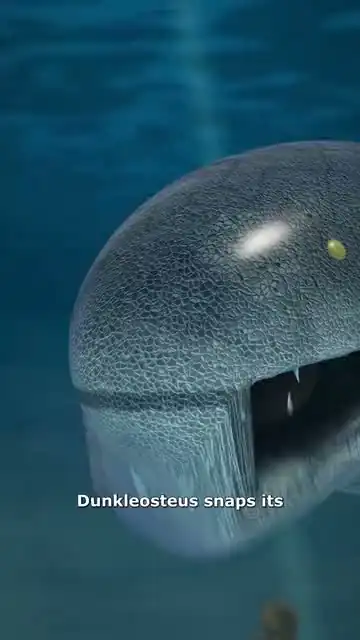
Weird facts and true stories acted out by 3D people and animals in real sets, with fast cinematic cutting.
Photo Comedy Shorts
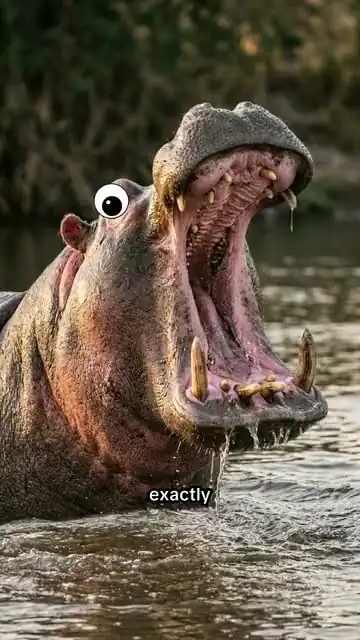
Funny photo-collage stories with a recurring host, googly-eyed characters and comic timing.
3D Dark Stories
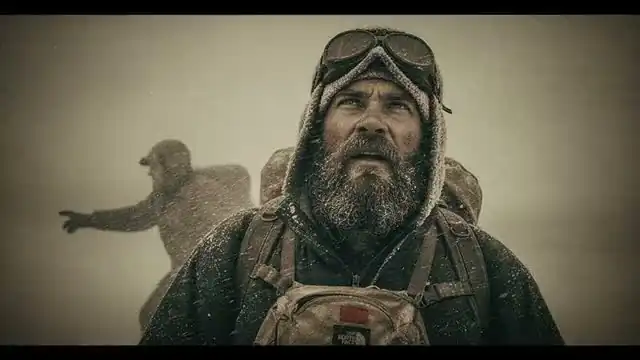
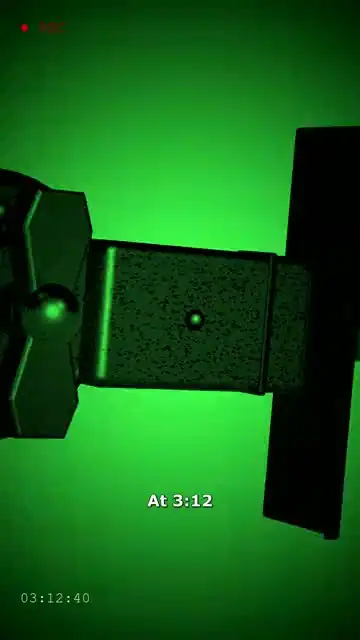
True crime and horror with a real twist: cold opens, planted clues, night-vision and CCTV.
1. Pick a Shorts recipe2. Type a topic3. Choose 15 to 60 seconds
Watch whole videos, with sound
Each began as a pasted script.
How it works
Three steps. One finished video.
Studio runs on your computer with your own Claude account, so there are no per-video credits for Studio videos.
Install Studio
Download ChannelRecipe Studio for Mac or Windows. Claude Code can install it for you: just paste the prompt we give you.
Pick or clone a style
Choose a ready-made recipe for long videos or Shorts, or point Studio at a channel you admire and it learns that look.
Type a title, review, post
Studio researches, writes, voices, animates and edits. Review every scene on the timeline, then export the video, thumbnail and description.
Simple pricing
Every plan includes Studio. Cancel anytime.
Every style on this page, long videos and Shorts, on every plan.
Creator
$49/mo
Start making videos with Studio
- ChannelRecipe Studio + every built-in style and ready-made recipe
- Videos render on your own computer. No credits needed
- Clone 3 YouTube channel styles
- 35 cloud credits / month for Classic recipes
- Niche Finder + niche database in Claude
- Community Discord
Pro
$79/mo
Run several channels
- Everything in Creator
- Videos render on your own computer. No credits needed
- Clone 15 YouTube channel styles
- 60 cloud credits / month for Classic recipes
- 3 Classic cloud videos at once
Max
$119/mo
For serious channel operators
- Everything in Pro
- Videos render on your own computer. No credits needed
- Unlimited style clones
- 100 cloud credits / month for Classic recipes
- Priority help in Discord
Yearly plans save 2 months. Studio runs on your computer with your own Claude account (Pro or Max) and a Kie.ai or Atlas Cloud balance for voice and images, so you pay those providers directly with no markup.
What your computer needs
Studio makes your videos on your own computer. Setup checks all of this for you, along with the free tools it uses (Python, FFmpeg and Node).
- Computer
- A Mac or a Windows PCKeep Studio open while a video is made.
- Memory
- 8 GB or more16 GB for long or 3D videos. Studio uses up to about 4 GB while it renders.
- Processor
- 4 cores or moreFewer still works, just more slowly.
- Free disk space
- About 4 GB for a 10-minute video14 GB with 3D scenes, and a little more to be comfortable (6 GB, or 16 GB with 3D). Studio checks the room before each video starts.
Also included
Classic recipes for quick cloud videos
The original ChannelRecipe (v1): made in our cloud from a single recipe. Every plan includes monthly credits for them.
Animated Explainer
Stick-figure documentaries that go viral. Word-level visual changes, minimal art, maximum watch time.
Cinematic B-Roll
AI-directed multi-asset productions. Stock video, images, AI art, and text overlays mixed like a real editor.
B-Roll Documentary
Narration over stock footage with smooth zoom effects. The workhorse format for history, science, and education.
Avatar + Illustrations
AI talking head presenter interleaved with illustration B-roll. Personal feel, zero camera work.
Questions